

Section 20 · Stage 5: Work Like a Developer
Docker, Deployment & CI/CD Basics
Package your application with Docker, run it with a database, automate builds and tests, and deploy it online.
What you will be able to do
- Explain containers and images and how they differ from virtual machines
- Write a Dockerfile that builds a small, secure image of a Spring Boot app
- Run an application with MySQL using Docker Compose
- Run integration tests against a real database with Testcontainers
- Set up a GitHub Actions pipeline that builds, tests and packages your app
- Deploy a Spring Boot API with a database to a cloud platform and check it is healthy
What you will learn
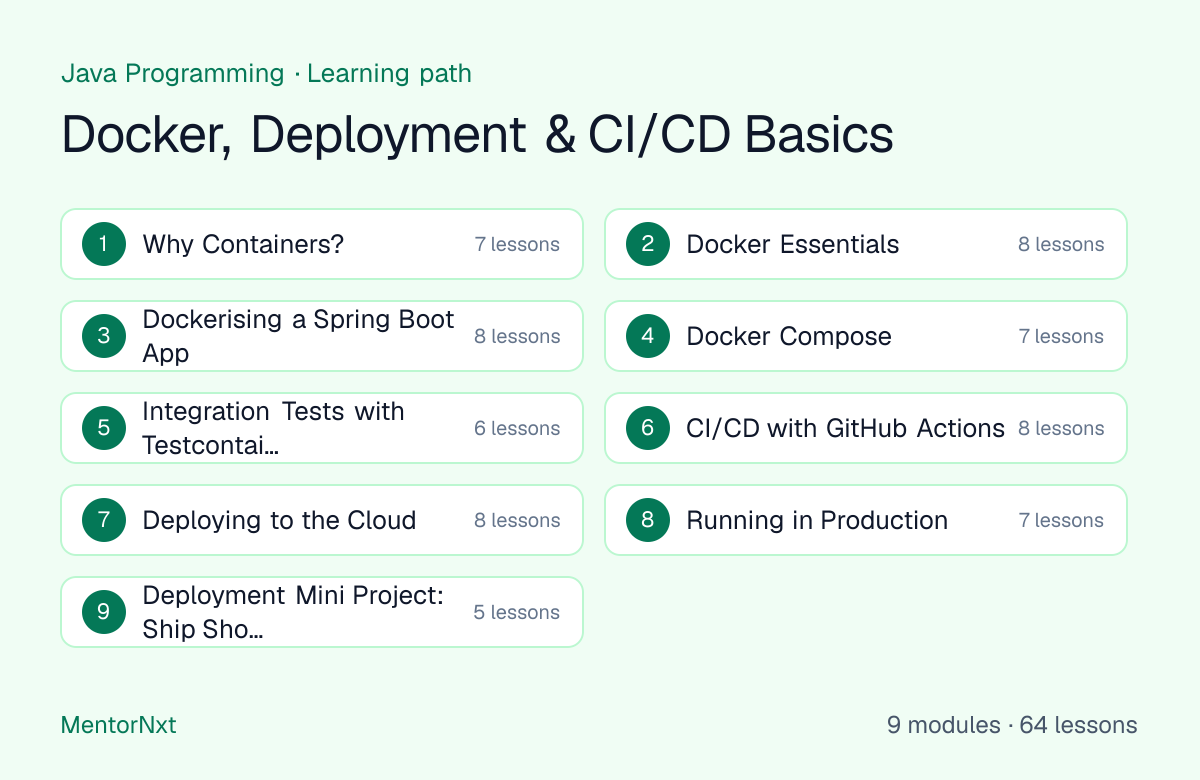
20.1Why Containers?7 lessons
The "works on my machine" problem and how containers solve it.
20.2Docker Essentials8 lessons
The everyday Docker commands for running and inspecting containers.
20.3Dockerising a Spring Boot App8 lessons
Package your application as an image anyone can run.
20.4Docker Compose7 lessons
Start your app and its database together with one command.
20.5Integration Tests with Testcontainers6 lessons
Test against a real MySQL started for each test run.
20.6CI/CD with GitHub Actions8 lessons
Build and test every push automatically.
20.7Deploying to the Cloud8 lessons
Put your API and database online so others can use it.
20.8Running in Production7 lessons
Know whether your deployed app is healthy and what to do when it is not.
20.9Deployment Mini Project: Ship ShopLite5 lessons
Containerise ShopLite, add a CI pipeline and deploy it with a live URL.